Do you remember, as a kid, going through a stack of old magazines and clipping out the sections that you liked? There was an art to it.
Whether you were in class or just making some decorations for your wall at home, it was important to find clips that expressed your personality—pictures you thought were interesting or cool or that in some way said something about you. And it was fun to find sentences to put out of context, or even to cut out individual letters to create your own custom messages.
But, much as some of us around here may still love them , physical magazines aren’t as omnipresent as they used to be. So how can you recreate that feeling today—and find new ways it can be useful or even just plain enjoyable in your adult life?
This tip originally appeared in the free Cool Tools newsletter from The Intelligence . Get the next issue in your inbox and get ready to discover all sorts of awesome tech treasures!
Your modern-day collage experience
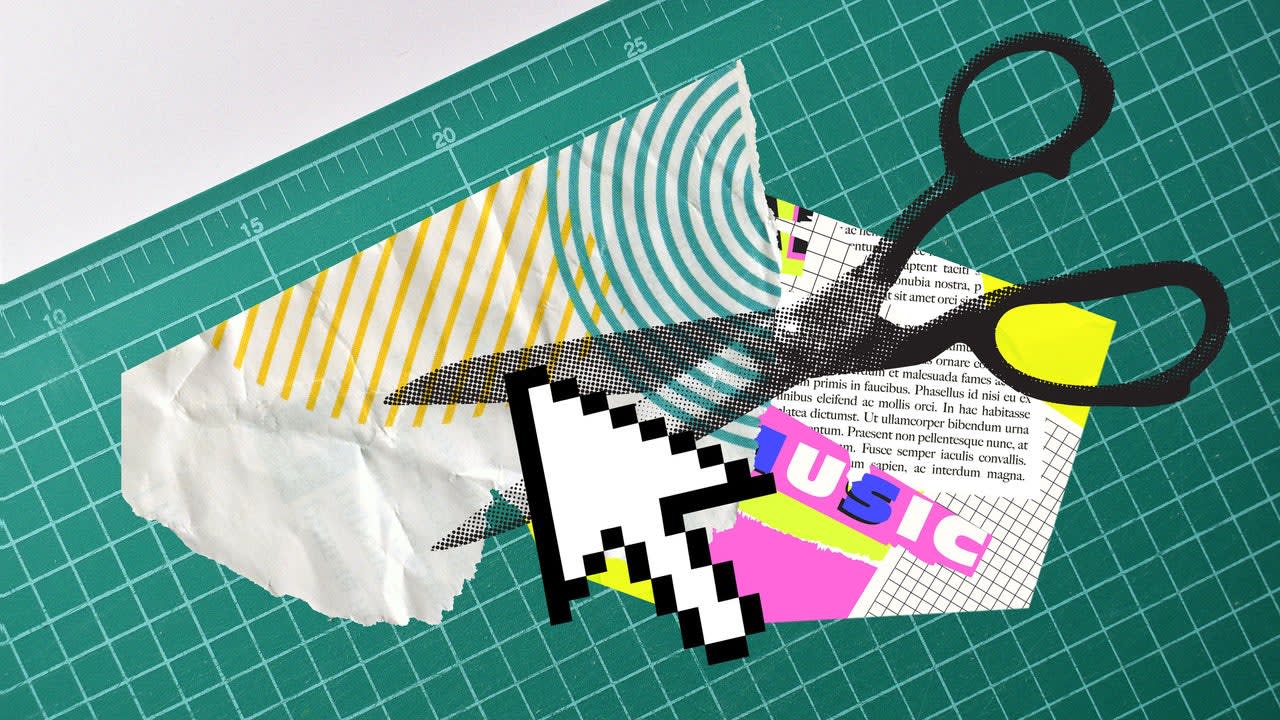
Clipart Studio is a website that simulates the experience of cutting up magazines to make a collage.
➜ You can page through real vintage magazines, virtually “cut” what you want, and put everything together in any way that suits your fancy.
⌚ You’ll need a mere minute or two to explore the site. Just open the website and get started.
In the left panel, you’ll find six random magazines, sourced from the Internet Archive . You can browse by topic or click the little die icon to get six more random titles.
✅ Click a magazine, and you can start flipping pages—just the way you remember. When you see something you like, use the virtual knife to cut it out, then place it on your board. Keep doing this as long as you like.
Clipart Studio brings old-fashioned magazine collages into the digital age.
☝️ There’s a bit more here, too. You can search for images, sourced from Wikimedia Commons. Or you can drag an image over from your own computer, if you want to make sure your cat (or child, coworker, or whatever the case may be) is featured.
With sources from the Internet Archive and Wikimedia Commons, you’ve got plenty of material to work with.
The possibilities are practically endless, whether you end up sharing your creation, using it for some social media purpose, or even just enjoying it yourself and not trying to turn it into anything more.
(Side note: The site was made by a designer named Sami Smith , who has a knack for creating fun projects like this. Check out her version of Wikipedia running on an imaginary Windows XP desktop for another memorable retro-tech adventure. )
Clipart Studio works in any web browser , on any device.
It’s free, and there’s no advertising, either.
Your collage is stored in your own local browser, meaning it’s entirely private (though you can optionally share it for a public gallery, if you want).
Treat yourself to all sorts of brain-boosting goodies like this with the free Cool Tools newsletter —starting with an instant introduction to an incredible audio app that’ll tune up your days in truly delightful ways.